Look and Feel
A. Click on the PRESENTATION tab near the top of the Dashboard
B. Choose the THEME sub-tab
C. Click on the Theme that appeals to you
Manage Widgets
 A. Click on the PRESENTATION tab near the top of the Dashboard
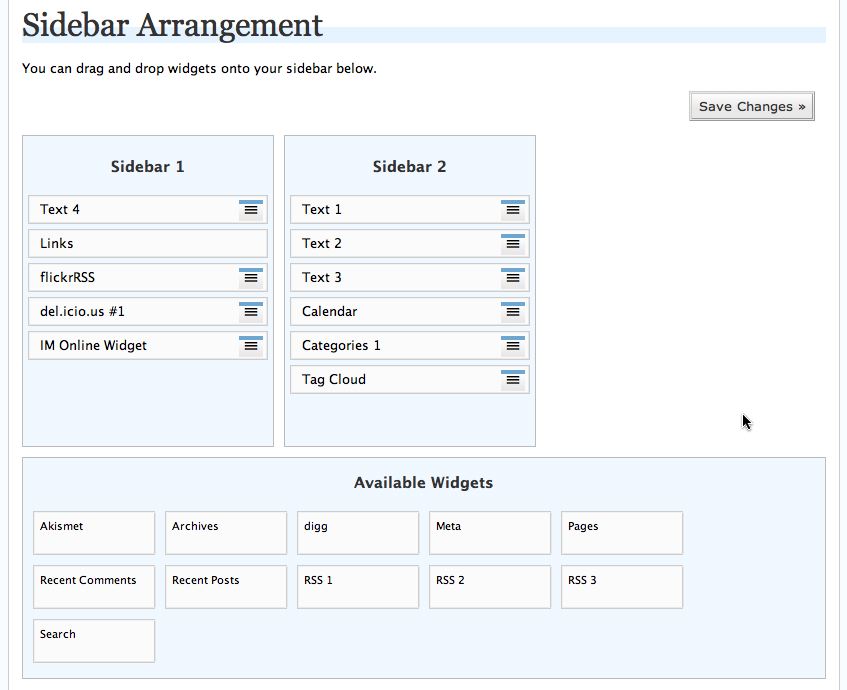
B. Choose the WIDGET sub-tab
C. Drag selected widgets to the Sidebar/s (number depends on theme chosen).
D. Create Category, Text and RSS feed widgets as necessary.
E. Click the SAVE CHANGES button